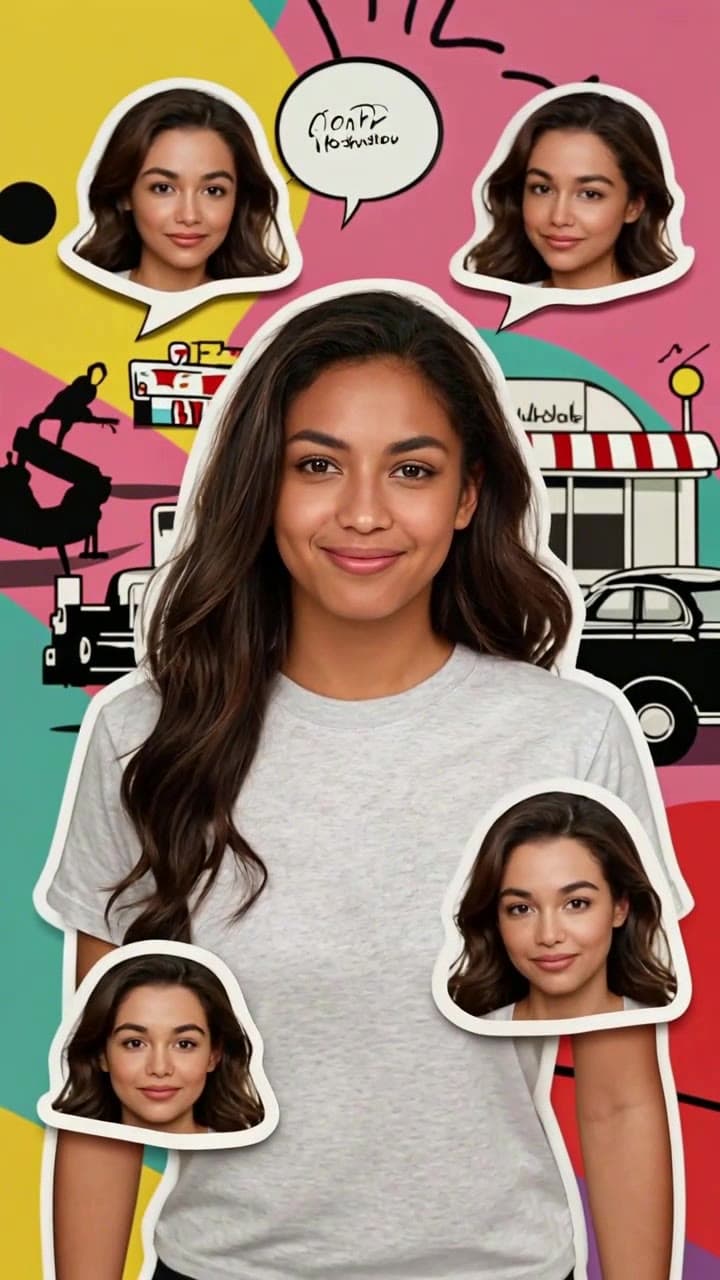
7 Creative AI Age Progression Video Ideas That Go Way Beyond the Basic Selfie Trend
Skip the generic viral selfie clip. These 7 actionable, heartfelt use cases for AI age progression videos turn casual photos into memorable, shareable moments for every occasion.

If you’ve only used our AI age progression template for a quick 6-second TikTok trend, you’re missing out on its full potential. The tool works with everything from vintage family polaroids to candid couple shots to generate smooth, realistic ~60-second time-lapse clips that track natural, subtle aging across 5+ decades, no uncanny valley weirdness required. We’ve tested every use case below to nail down exact photo specs, credit costs, and pro tips to get flawless results every time.
Quick Pre-Flight Checks Before You Start First, a few ground rules to avoid wonky outputs: - Use a well-lit, front-facing photo with no hats, masks, or heavy sunglasses obscuring 90% of the face - Crop out busy background clutter if you can, the AI prioritizes facial detail over surrounding scenery - Each full 60-second age progression clip costs 2 standard OurPic credits, and you can tweak the speed to highlight specific decades (like zooming in on the 40s frame for a birthday post) before exporting - Don’t upload blurry 100-year-old tintypes with zero clear facial definition — those will produce inconsistent, unrecognizable results.
7 Unexpected, High-Impact Use Cases 1. **Birthday milestone reel add-on** Tuck your finished age progression clip at the very end of a 30th, 40th, or 50th birthday photo montage, right after the throwback shots of you as a kid and young adult. Pair it with a silly voiceover line about all the good wrinkles, bad dad jokes, and overpriced coffee runs you’ll earn in the decades ahead. We’ve seen this exact edit get 2x more engagement than standard montages on Instagram, because it feels playful rather than nostalgic in a tired way.
- Couple side-by-side forever challenge
Upload clear solo selfies of you and your partner taken in the same lighting, generate two matching clips, then drop them side-by-side in a free editor like CapCut to show the two of you aging in lockstep all the way to your 70s and 80s. Add a soft, trending slow pop track as background audio, and you’ve got a viral-ready post that regularly racks up tens of thousands of likes on small relationship accounts. For extra charm, pause the clip at the 50-year mark to overlay a photo of your actual parents at that age to spot shared family traits.
- Family heritage deep dive project
Dig out old printed photos of your parents or grandparents in their 20s and 30s (scan them first with a free phone scanner app to get a crisp digital copy) and run them through the AI Age Progression Time-Lapse Video Generator. Once the clip finishes, line up the final 70+ year old frame with a real photo of them at that age — you’ll be shocked how many tiny, consistent facial details (the shape of their smile, the crinkle by their left eye, the exact way their hair thins at the temple) the AI picks up on that you never noticed before. It’s the perfect centerpiece for a family reunion slideshow.
- Graduation time capsule keepsake
Post your age progression clip on your college or high school graduation day, with a caption listing all the unwritten milestones you hope to hit between your 20s and your 70s: first home, promotion, cross-country road trip, learning to bake sourdough that doesn’t taste like cardboard. Save the full 60-second video to a cloud folder you won’t open for 10 years, and pull it out at your 10-year reunion to laugh at how many of those goals you crushed (and how many you no longer care about).
- Pet owner playful twist
Upload a photo of you and your dog, crop the frame to focus on your face first, then generate your age progression clip. Edit in a quick 2-second cut at the end of the clip of your current senior pup, and joke in the caption that you’ll be the kind of 70-year-old who still sneaks their dog extra table scraps and carries them in a tote bag around the farmers market. It’s a low-effort post that reliably performs well on pet-focused social feeds.
- Low-stakes workplace team icebreaker
Run the template as a 10-minute activity at your next team offsite: have everyone upload a casual selfie 24 hours before the event, generate their aged 70+ clips, blur out the names, and have the whole team guess which gray-haired coworker matches which current headshot. It’s far more memorable than generic two-truths-and-a-lie, and works even for fully remote teams running virtual events.
- Senior care charity campaign hook
If you’re fundraising for elder support nonprofits, meal delivery for seniors, or dementia awareness initiatives, lead your social campaign with a relatable age progression clip of a 20-something volunteer aging naturally to frame aging as a gentle, universal experience rather than something scary. It humanizes your cause for younger audiences who might not otherwise engage with senior-focused content.
All of these clips take less than 5 minutes to generate from start to finish with the AI Age Progression Time-Lapse Video Generator. For a full walkthrough of how to tweak outputs to get perfectly recognizable, uncanny-valley-free results, check out our step-by-step guide on How to Make a Realistic AI Age Progression Video.