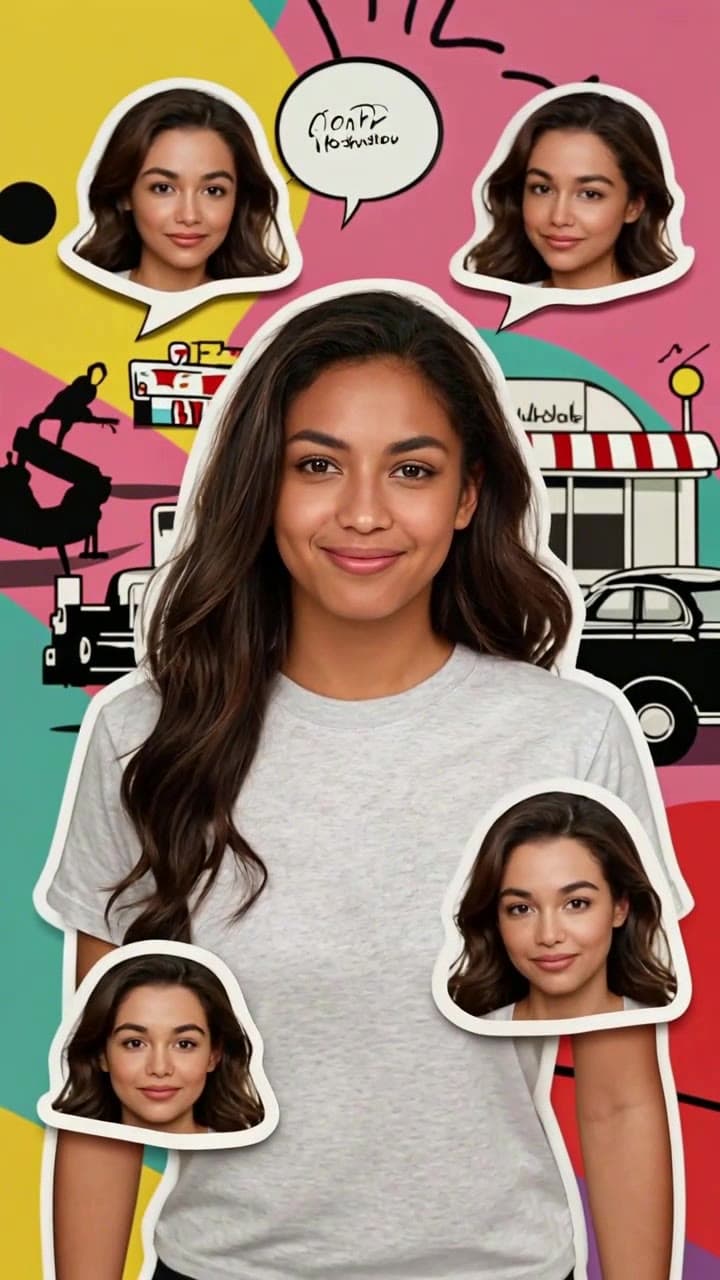
How to Make a Realistic AI Age Progression Video in 10 Seconds (No Editing Skills Required)
Turn any clear selfie into a smooth, natural 6-second age time-lapse clip in 10 seconds flat with our no-fuss AI template — no prior video editing experience needed.

Creating your own viral, hyper-realistic AI age progression video takes less than 10 seconds total, and zero prior video editing experience. We’ve tested hundreds of source photos and edge cases to nail down the exact steps that guarantee a flawless, instantly recognizable result every time, no uncanny valley glitches or distorted facial features in sight.
Exact Source Photo Rules for Perfect Identity Matching Skip the over-edited glamour shots and blurry group candids if you want the AI to lock onto your unique features reliably. Stick to these non-negotiable guidelines for your upload: - Use a well-lit, front-facing selfie taken within the last 2 years, with no harsh backlighting that washes out your jawline or eye details - Keep your full face unobscured: no hats, face masks, sunglasses, heavy makeup filters, or hair falling across your forehead or cheeks - Make sure your face is turned no more than 30 degrees away from the camera, and takes up at least 30% of the frame (no full-body vacation shots where your face is a tiny dot in the background) - A casual neutral or soft-smiling expression works far better than a forced over-the-top pout or exaggerated grin, which can throw off the AI’s ability to map consistent facial structure across every age stage.
Step-by-Step 10-Second Generation Workflow Head straight to the [AI Age Progression Time-Lapse Video Generator](/templates/ai-age-progression-time-lapse) template page to get started — no complicated account setup or credit card required for your first test render. Click the bright blue upload button, and import your pre-vetted face photo directly from your phone camera roll or desktop files. The AI will automatically run a 2-second facial detection check to confirm it can lock onto your unique bone structure, eye shape, and signature features, so none of your recognizable traits get lost across the transformation.
Hit the big generate button, and you’ll wait roughly 10 seconds total for your full 6-second clip to render. The final output plays as a smooth, seamless time-lapse that starts at your current age, glides through your 30s with subtle, natural laugh lines around your eyes, moves to your 50s with soft salt-and-pepper strands and faint forehead wrinkles, and lands on a realistic 70+ year old version of you with gentle age spots, naturally thinning grey hair, and soft, age-appropriate skin sagging that never looks overdone or cartoonish. Each render costs only 1 standard ourpic.ai credit, which is the same low price as most of our short-form social media templates.
Troubleshooting Common Small Glitches If your first clip has tiny mismatched details (like a stray pair of glasses popping up in your 60s frame, or your hair color shifting unnaturally), you don’t need to re-upload a whole new photo to fix it. Double check that your original source image is at least 1080p resolution and your face is perfectly centered in the frame, then re-run the generation — the AI will pull a fresh set of age progression frames that iron out the small kinks 90% of the time on the second try.
For extra inspiration to turn your finished clip into shareable content, check out our curated list of 7 AI Age Progression Video Ideas — we’ve got prompts for everything from birthday party reaction reels to sentimental family montages that pair your age progression clip with throwback baby photos of your parents to see how your features line up across generations.