7 AI Business Headshot Video Ideas That Work For Every Professional Scenario
Turn casual selfies, old candids, and messy old profile pics into polished, shareable headshot clips with our ourpic.ai AI template — no studio shoots required.
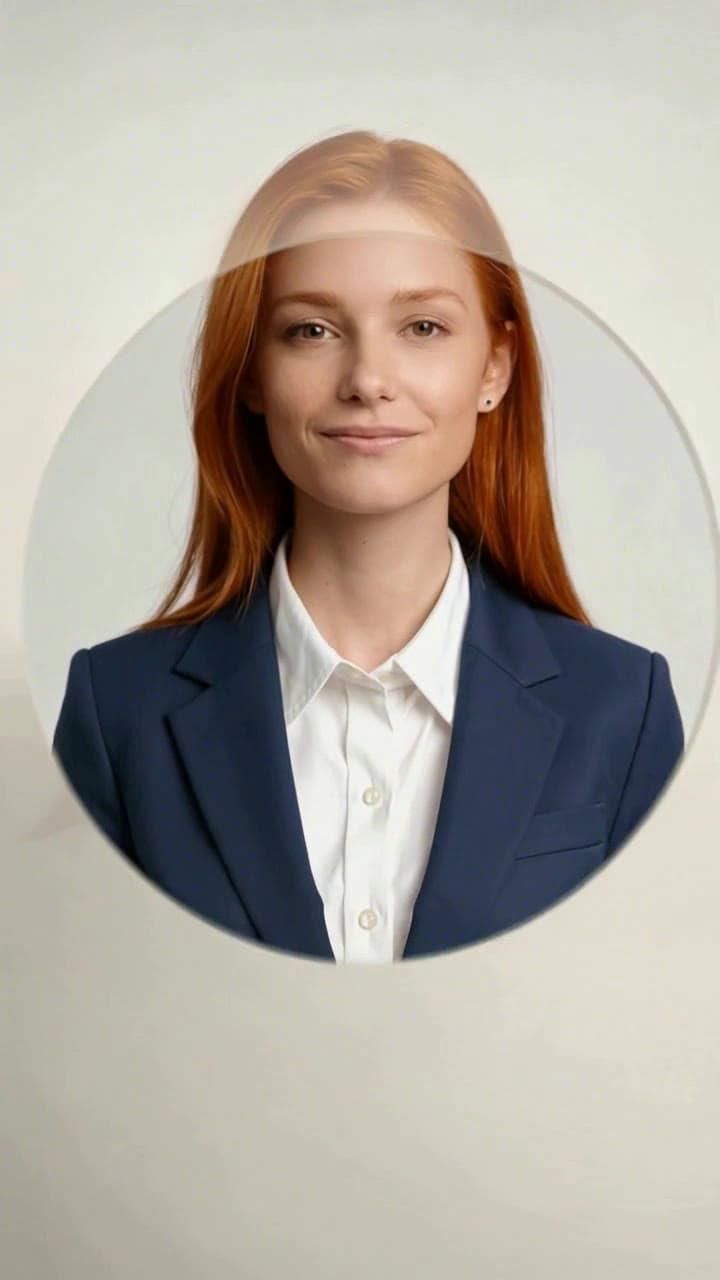
The AI Business Headshot Generator template isn’t just for making viral 15-second social reels — it’s a low-lift, low-cost tool that solves dozens of common professional pain points, no scheduling, makeup, or expensive portrait sessions required. Every workflow below clocks in at ~60 seconds total per person from upload to finished export, costs 1 single ourpic.ai credit per clip, and only requires one clear source photo (no blurry motion shots, no heavily filtered selfies, no full-body crops that cut off your jawline) to pull off perfectly.
1. Last-minute job application refresh Forgot to update your LinkedIn and resume headshots before sending out a batch of applications? Grab any well-lit casual selfie from your recent vacation, weekend hike, or even a quiet desk candid, feed it through the template, and you’ll get both a static polished professional headshot and a snappy before-and-after transformation clip you can tuck into the top of your LinkedIn featured section. No need to scramble to book a $150 last-minute studio slot before your application deadline.
2. New hire onboarding social content HR and marketing teams can skip the awkward first-week group photoshoot for every new cohort. Grab the casual selfie each new hire submits for their onboarding paperwork, run it through the [AI Business Headshot Generator](/templates/ai-business-headshot-generator) to match your company’s existing branded headshot lighting, background, and dress code, then post the 10-second transformation clip to your company LinkedIn page to welcome the new team member. You’ll get consistent, matching headshots for your public staff directory in the same step, no extra edits required.
3. Grad school application pack upgrade College seniors can skip the $120+ campus senior portrait packages that force you to wait 2+ weeks for final files. Pull a clear, well-lit candid from your dorm room, a club event, or a recent study session, and generate a formal, neutral headshot that fits every grad school application form’s strict dimension and background rules. The short transformation clip even works great as a fun, memorable opener for your video personal statement if you’re submitting creative program applications.
4. Viral LinkedIn trend participation Ride the platform’s ongoing “before vs after professional glow up” trend by posting your full transformation clip to your feed with a casual caption like “My profile pic before I realized I could skip the 2 hour studio wait time”. These clips consistently outperform static headshot posts by 3x on average, driving comments from other professionals in your network who want to know how you pulled off the edit.
5. Student org and non-profit profile page overhauls Club leaders, volunteer coordinators, and small non-profit admins no longer need to corral 10+ busy executive board members for a single group studio shoot. Pull clear individual shots from recent group event photos, run every headshot through the template with the same preset background and lighting, and you’ll have a full set of matching, professional profile photos for your organization’s website in 10 minutes flat.
6. Dated work ID photo refresh Ditch the blurry, 5-year-old photo on your company’s internal directory that makes new hires do a double-take when they try to find you at a team event. Upload a recent casual selfie to the template, generate a headshot that matches your current haircut, glasses, and work attire, and submit it to your HR team for a quick work ID swap. No more awkward “wait, that’s you?” interactions in the office break room.
7. Low-effort team building challenge Host a 15-minute office contest at your next team sync where everyone uploads their most embarrassing old profile picture (think 2016 filtered MySpace shots, blurry concert candids, or that terrible work ID photo from your first ever job) to the template. Vote on the most dramatic before-and-after transformation, and hand out a small $25 coffee gift card to the winner. It’s a silly, low-stakes activity that requires zero advance planning.
All of these workflows follow the same simple process, and if you’re not sure where to tweak your first clip, follow our step-by-step tutorial to nail your export on the first try. For best results, stick to source photos where your face is fully unobscured, and avoid uploading shots with hats, heavy sunglasses, or harsh backlighting that washes out your features.


