7 Unexpected AI Synchronized Stage Dance Video Ideas For Every Real-World Occasion
Skip generic social media trends: use our AI retro stage dance template for custom greetings, team icebreakers, promo content, and more in under 2 minutes.
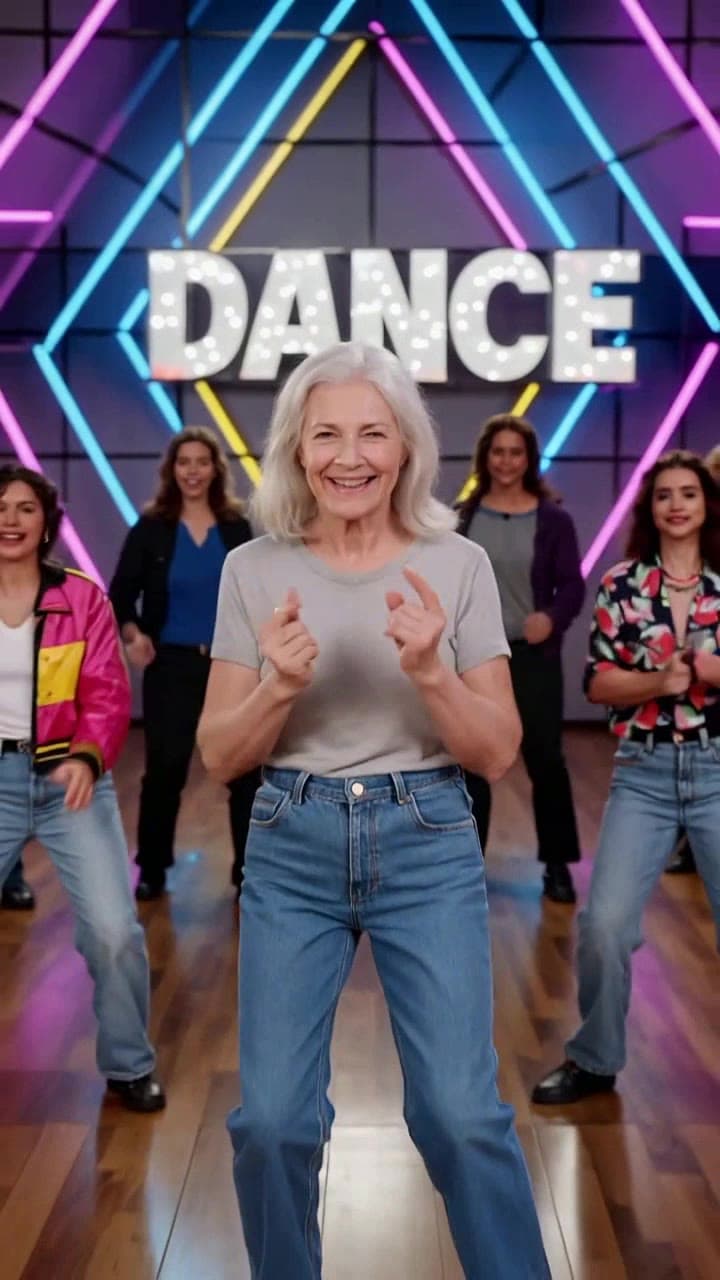
Most users first test the AI Synchronized Retro Stage Dance Video generator on a silly selfie for a quick TikTok trend, but this flexible template is built to work for far more personal, professional, and niche use cases. We’ve rounded up 7 actionable, tested ideas that go way beyond the basic trend post, plus all the practical details you need to nail your first render.
Quick Pre-Make Prep To Avoid Bad Renders Before you dive into any of the ideas below, note the small, non-negotiable details that guarantee a crisp 60-second final clip: - Upload a well-lit headshot with no hats, masks, or heavy sunglasses covering your subject’s face - Pick a photo where the subject is facing directly at the camera, not tilted or turned to the side - The template costs 1 standard site credit per render, and you can swap in custom audio (up to 3 minutes long) for no extra charge - Full HD 1080p exports take roughly 90 seconds to process, no waiting in long queue times for free tier users
7 Use Cases That Actually Get Reactions 1. **Custom Birthday Surprise Greeting**: Ditch the generic e-card and upload a clear headshot of your birthday friend to make them the lead of a 60s go-go or 80s breakdance routine. Swap the default audio for their all-time favorite deep cut pop track, and add a 2-second text overlay at the 45-second mark that reads “Happy 30th, Jake” for a personal touch no store-bought card can match. We’ve seen users get 30+ comment threads on Instagram alone from this one trick. 2. **Remote Team Icebreaker For Long Meetings**: Kick off your next all-hands check-in with a 30-second clip generated from your team lead’s headshot, where the 8 backup dancers are all styled to match each team member’s signature look (think: the designer’s neon pink hair, the dev’s favorite baseball cap). It takes 90 seconds to make, no one has to film themselves dancing, and it reliably cuts through the awkward quiet of post-weekend work calls. 3. **Vintage Throwback Thursday Family Post**: Scan a crumpled 90s polaroid of your parents at their high school prom, upload it to the [AI Synchronized Retro Stage Dance Video generator](/templates/ai-synchronized-retro-stage-dance), and set the audio to the first song they ever slow danced to. The final clip will look like a lost MTV deep cut that could have aired in 1992, and it’s guaranteed to get every aunt, uncle, and cousin in your family group chat leaving a nostalgic comment. 4. **Halloween Costume Pre-Party Teaser**: If you’re dressing up as a 80s pop icon (think: Madonna, Michael Jackson, or even a fictional pop star like Jem), snap a quick well-lit photo of yourself in full costume before the party, run it through the template, and set the audio to the artist’s biggest hit. Post the 15-second teaser clip to your Instagram stories 2 hours before the pregame to build hype and let everyone guess your costume before you arrive. 5. **Bachelorette Party Pre-Festivities Hype Clip**: Grab a recent headshot of the bride-to-be, upload it to the template, and tweak the backup dancer styling settings to match each of the 6 bridesmaids’ signature outfits from the upcoming weekend. Add a silly text overlay that reads “Bride’s backup crew reporting for duty” and drop it in the bridal party group chat 24 hours before everyone flies into town to kick the excitement off early. 6. **Low-Budget Indie Artist Promo Clip**: If you’re an independent funk, pop, or retro R&B artist working with zero music video budget, upload your press shot to the template, sync the dance moves to the first 60 seconds of your new single, and add subtle animated lyric overlays to turn it into a shareable teaser clip. It’s perfect for TikTok, Reels, and YouTube Shorts, and you don’t need any fancy editing software to pull it off. 7. **High School/College Game Day Spirit Post**: Turn your student ID photo (or the football team’s group senior photo) into a high-energy dance clip, and adjust the final group pose at the 55-second mark so all the dancers are holding your school’s mascot logo. Post it to your student government or athletics social accounts 24 hours before the big homecoming game to rally extra ticket sales and hype.
All of these ideas take less than 2 minutes of active work to pull off, even if you’ve never used an AI video tool before. If you want a full walkthrough to nail your first render, check out our how to make an AI stage dance video tutorial for step-by-step tips to avoid common face distortion and audio sync mistakes.


