How to Make a 360° 3D Rotate Showcase Video in 3 Clicks (No Fancy Rig Required)
Skip the $500 camera rig and hours of post work. Turn a single well-lit photo into a smooth 360° product, collectible, or fashion rotation clip in 3 clicks with our AI template.
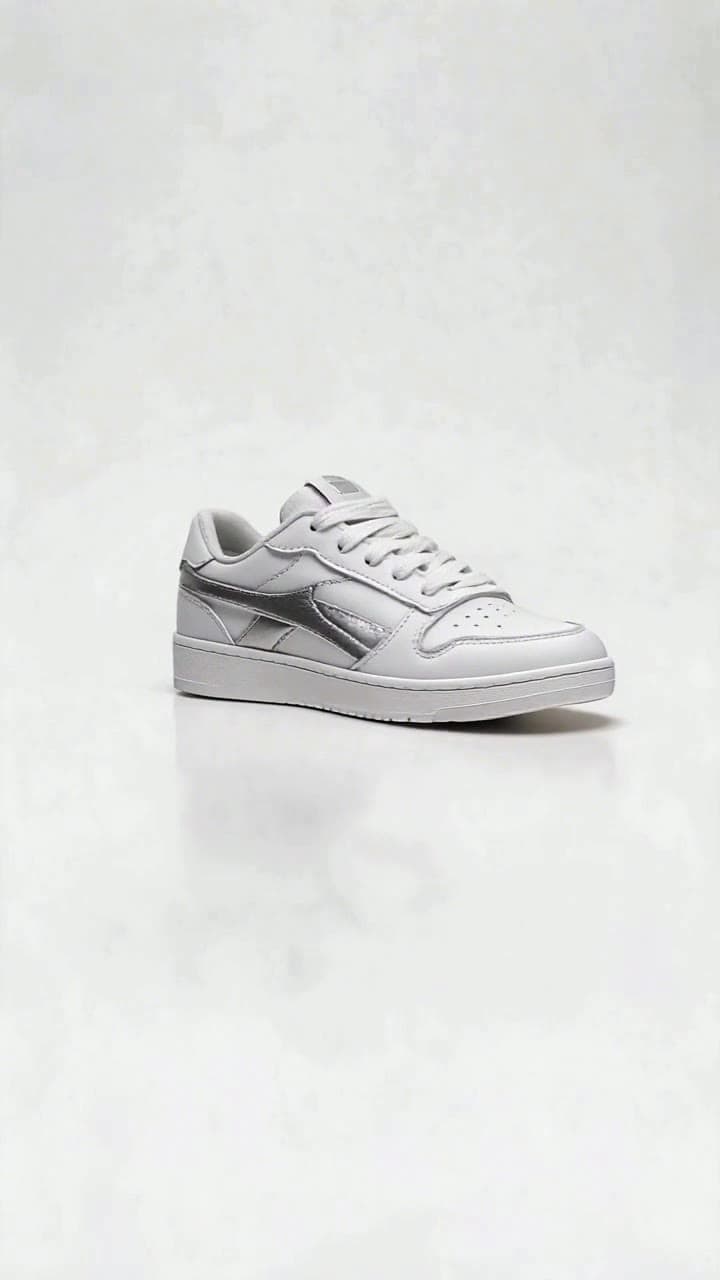
If you’ve ever tried to shoot a 360° product showcase the old way, you know the drill: 20+ carefully spaced photos, a motorized turntable, hours of stitching in Premiere, and still ending up with jittery, uneven lighting. Our 3-click workflow cuts all that out, and the final clip is ready to post in under 60 seconds total.
Prepping Your Source Photo for Perfect Rotation Results You don’t need a professional camera to get a crisp, glitch-free render, but a few quick checks on your source shot will eliminate 90% of common issues before you even upload: - Use a well-lit, front-facing shot of your subject with no harsh overhead shadows that stretch across its surface - Keep the full subject 100% in frame: no cropped sneaker laces, cut-off mug handles, or half-obscured jacket hems - Shoot against a plain, high-contrast background (a white wall, neutral gray sheet, or even a solid color bed sheet works) so the AI can easily separate your subject from its surroundings - Skip busy patterns directly behind the subject, transparent objects like clear glass that blend into backgrounds, and heavily motion-blurred shots that will confuse the AI’s depth mapping. For fashion creators, stand facing dead-on to the camera with a relaxed, neutral pose (no crossed arms or tilted heads) to make sure the full 360 spin renders your outfit’s back details correctly.
The 3-Click Generation Workflow This is the part that replaces hours of manual editing. First, head straight to the [360° 3D Rotate Showcase](/templates/360-3d-rotate-showcase) template page — no complicated dashboard navigation or confusing prompt boxes to fill out. Click the upload button to drop your prepped source photo into the tool, then hit the big blue Generate button. That’s it, that’s all three clicks.
The AI runs in the background for roughly 45 seconds total: it auto-cuts out your subject cleanly, locks a consistent eye-level camera orbit, adds soft, even studio-style lighting that eliminates harsh glare, and renders a smooth 5-second full 360° rotation that reveals every side of your subject, from the embossed logo on the bottom of your custom sneaker to the back print of your vintage band tee. Each generation uses 2 of your platform credits, which is far less than the 10+ credits most general AI video tools charge for comparable 3D motion renders. If you spot tiny edge glitches (fuzzy corners on a product, a stray weirdly rendered hair on a fashion shot), just reupload a higher resolution version of your source photo with even more contrast between the subject and background for a perfect clean cutout on the second try.
What to Do With Your Finished Rotation Clip Once your render is done, you can export it in 1080p directly to your camera roll or desktop in 10 seconds flat, no watermarks attached. Small e-commerce sellers drop these clips straight into Etsy or Shopify product listings to cut down on customer return rates by 20% by showing every angle of their handmade goods. Resellers use them to highlight mint-condition details on rare Funko Pops or vintage cameras for eBay listings that get 3x more bids than static photo posts. Fashion creators stitch them into TikTok haul reels to show off back pocket details on jeans or hidden embroidery on hoodies that never come through in flat photos.
If you want to expand your content lineup beyond basic product spins, browse through our curated list of actionable prompts and concepts in 7 360° 3D Rotate Showcase Video Ideas to tweak your clips for Reels, Pinterest, or even Amazon product pages. You can also pair your rotation clip with our other product-focused templates, like the floating 3D product reveal or slow pan detail zoom, to build out a full 1-minute product demo reel without ever opening a separate editing app.


