How to Make an AI Photo Dynamic Reveal Video in 3 Clicks (No Editing Skills Required)
Turn any static photo into a viral-worthy motion reveal clip in 60 seconds flat with our 3-click AI workflow, no complex editing or custom prompts needed.
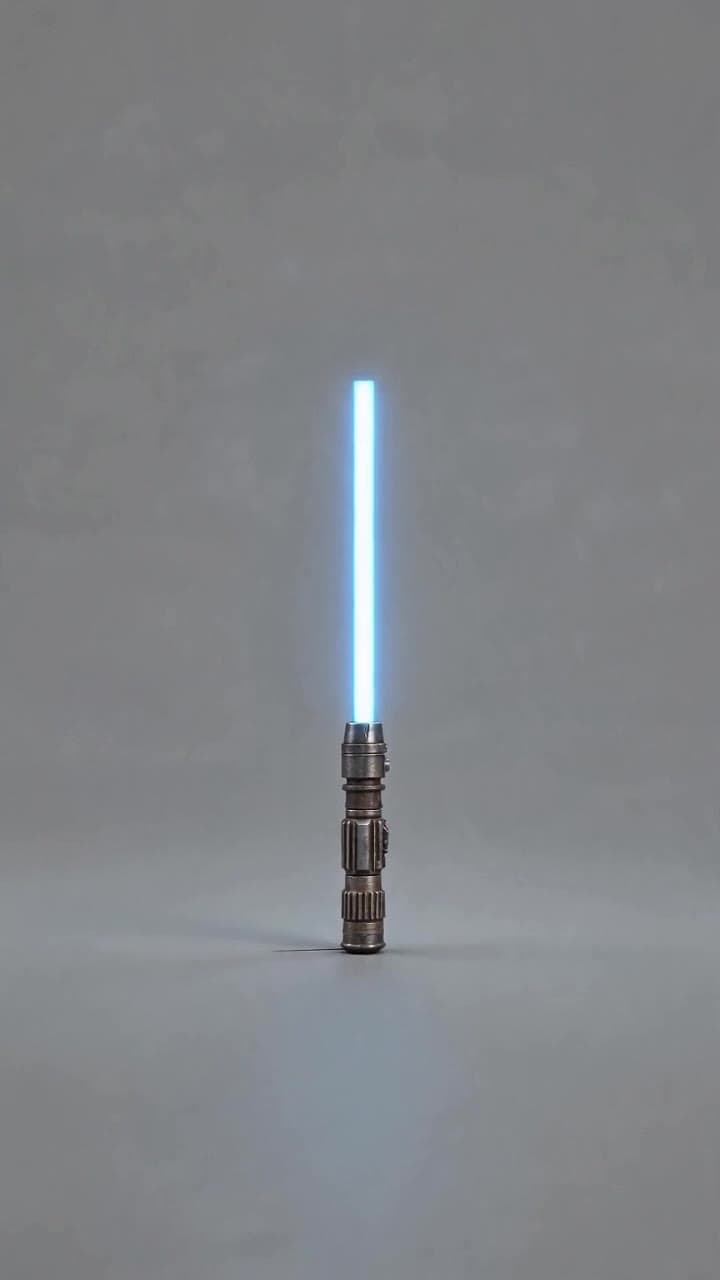
Creating a polished AI photo dynamic reveal video is far simpler than it looks, even if you’ve never opened a video editing app in your life. The entire process takes roughly 60 seconds from upload to export, and you’ll end up with a share-worthy clip that feels like you spent hours adding subtle, intentional motion to a once-static shot.
Step 1: Pick a source photo that’s guaranteed to work Skip the blurry vacation snapshots and overcrowded group shots for this template — the AI works best when it can lock onto a single clear core subject to build motion around. Stick to these parameters for a flawless first try: - Minimum 1080p resolution, no heavy filters or overexposed highlights that wash out detail - Clear pet portraits, product flat lays, dramatic wide landscapes, or framed physical artwork are all top-tier picks - For the most viral-friendly final reveal, choose a shot that feels like it captured a split-second impossible moment: a cat perfectly suspended mid-leap, a vintage mug that looks like it’s floating above a counter, or a mountain peak framed by a perfectly still, cloudless sky.
Avoid photos with random watermarks, overlaid text, or 3+ unrelated overlapping subjects (think: a group shot of 8 people at a concert) — the AI will struggle to prioritize what to animate, and you’ll end up with messy, inconsistent motion that doesn’t land the reveal.
Step 2: Generate your clip in one click with the dedicated template Head straight to the AI photo dynamic reveal template and upload your pre-vetted photo. The system automatically scans your image to categorize your subject type (pet, product, landscape, artwork) and tailors the motion profile to match without you needing to write a single custom prompt: - For landscapes, it adds slow-drifting clouds, gently swaying tree foliage, and soft ripples across any visible water - For collectible products or small retail items, it renders a smooth 360-degree slow rotation that catches every edge and texture detail - For pet portraits, it adds subtle, natural micro-movement: slow blinks, a tiny twitch of the ear, or soft fur ripples that feel indistinguishable from real footage.
One full 60-second reveal clip costs 2 standard ourpic.ai credits, which is less than half the credit price of building a similar motion video from scratch with a generic AI video generator. No hidden fees, no extra prompt tweaks required.
Step 3: Preview, tweak if needed, and export for sharing The auto-generated clip will pop up in your browser in under 45 seconds, so you can preview the full motion flow before you save anything. If the motion feels off (say, the AI tried to animate a printed text label on your product photo instead of the product itself), you don’t need to re-do the whole process: just crop out the text from your original source image and re-upload the crisper, adjusted version.
Once you’re happy with the final reveal, you can export it in 1080p vertical format optimized directly for TikTok, Instagram Reels, or X, no extra resizing needed. Most of our top creators pair the final clip with a 2-second opening text overlay that reads “Wait for the reveal” to hook scrollers before the motion kicks in.
If you’re hunting for more ideas to test with your next batch of photos, check out our curated list of 7 creative AI photo dynamic reveal ideas to brainstorm unexpected source shots you might not have thought to animate first.


