How to Make a Viral Talking Funny Pet Meme Video in 3 Clicks (No Editing Required)
Turn any unimpressed cat, side-eye dog, or grumpy hamster photo into a 60-second shareable meme in 3 clicks, zero video editing skills needed.
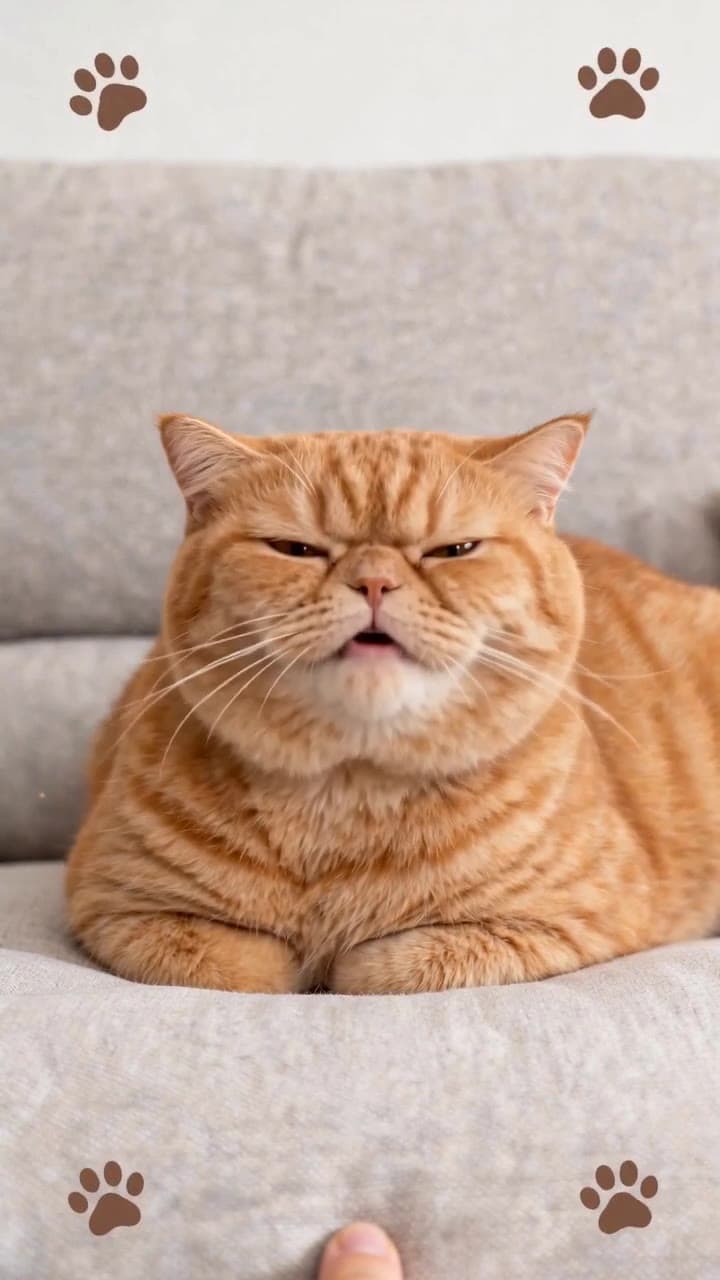
Making a viral talking pet rant video has never been easier, even if you’ve never touched a video editing app in your life. No scrubbing through timeline tracks, no fumbling with voiceover tools, no manually keyframing mouth movements — you can have a polished, share-ready clip in under 2 minutes total.
Step 1: Pick the Exact Right Photo for Perfect AI Results Skip the blurry full-body action shots of your pet mid-leap for this use case. The sweet spot is a well-lit, chest-up close-up where your pet’s eyes and mouth are 100% unobscured: no faces half-hidden behind chew toys, no crumpled blankets covering their chin, no weird backlighting that turns their features into a silhouette.
Grumpy, unimpressed, side-eye, or deadpan expressions hit the hardest for the classic silly complaint bit — a photo of your cat staring daggers at you while you eat a takeout pizza sells the joke of them ranting about your lazy couch habits way better than a shot of them mid-zoomies. Steer clear of photos with super busy, high-clutter backgrounds (think piles of laundry, 12 different party decorations) that will pull focus away from their face, and avoid heavily filtered shots that wash out their natural facial details.
Step 2: Generate Your Full Meme Clip in 3 Clicks Head straight to the [Talking Funny Pet Meme Video Generator](/templates/talking-funny-pet-meme-video) template page, upload your pre-vetted pet photo, and hit the big blue generate button. That’s it — no extra settings to tweak, no prompts to write.
The AI handles every single detail automatically in ~60 seconds flat: it locks in smooth facial motion tracking, syncs a silly, pitch-perfect pet voiceover to their moving mouth, adds a warm retro 8mm film grain overlay, tucks tiny floating animated paw prints in the corners, and even drops in a goofy royalty-free lo-fi background track that won’t get your post flagged on TikTok or Instagram Reels. The whole process uses 2 of your free monthly generation credits, or 1 standard credit if you’ve already used up your free tier allotment.
Quick Fixes for Common Tiny Sync Issues If your first generated clip has slightly wonky mouth movement that doesn’t line up with the voiceover, you don’t need to re-shoot your pet or edit anything manually. The easiest fix is to reupload a photo where your pet’s mouth is in a neutral, relaxed closed position, rather than mid-meow, mid-bark, or mid-treat chomp. That gives the AI a far more stable baseline to work from for natural, fluid lip sync.
If you want to tweak the default voiceover script to lean into a specific inside joke (say, your dog’s obsession with stealing your socks), you can unlock the custom text edit toggle on the template page before generating for no extra credit cost.


