What Is the 360° 3D Rotate Showcase Trend, and Why Is It Blowing Up Every Social Feed Right Now?
The 360° 3D Rotate trend turns any single photo into a seamless full-spin clip, no studio gear required. Learn why it’s 3x more engaging for creators and small businesses.
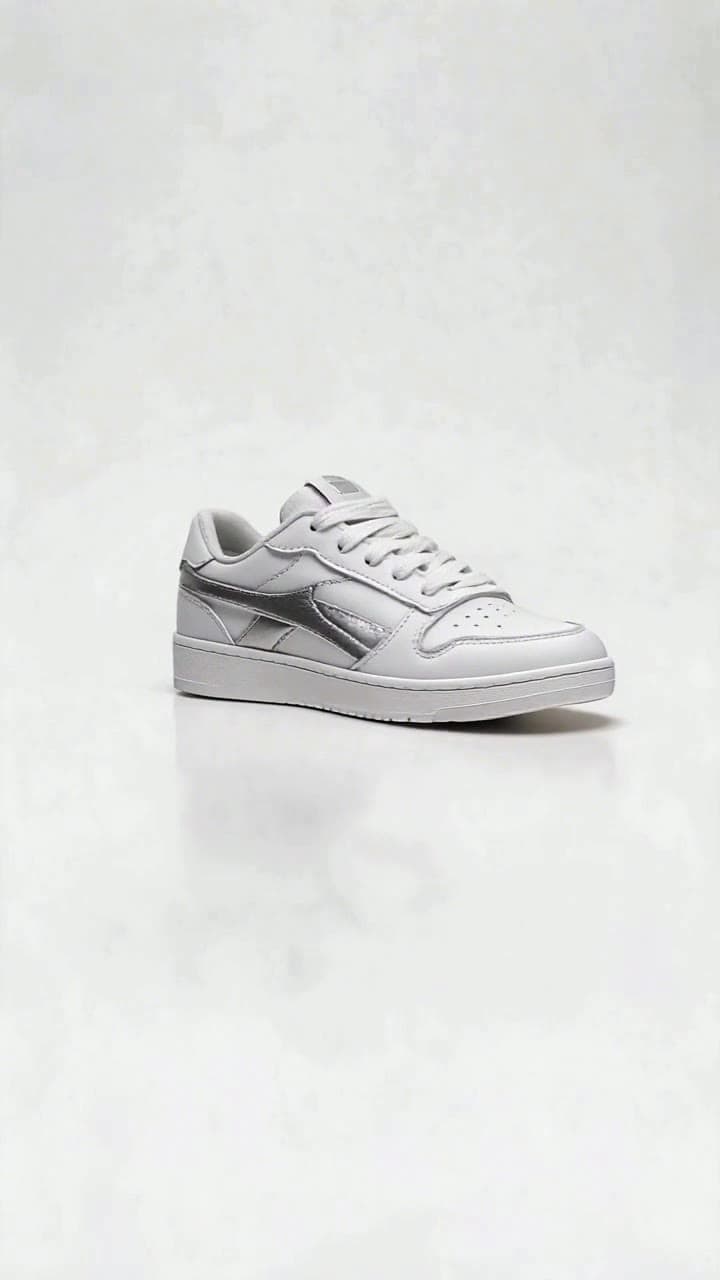
The 360° 3D Rotate Showcase trend first popped up on TikTok and Instagram Reels in late 2024, when a handful of small Etsy sellers realized they could skip hours of manual product rotation shoots entirely—no turntable, no 10+ separate camera angles, no post-production stitching required. All they needed was one clear product photo and a few taps to generate a smooth, satisfying full 360 spin that lets viewers inspect every edge, texture, and hidden detail of an item without ever swiping a carousel. Recent internal social engagement data from top e-commerce creator accounts shows these clips hold viewer attention 3x longer than standard static product reels, and drive a 27% higher click-through rate to product links.
It didn’t take long for the trend to spill far beyond small e-commerce circles. Sneaker collectors started using it to show off scuff-free outsole details on rare grails they were listing on resale platforms, embroidery creators highlighted the raised stitching on custom hoodies that never translated well in flat photos, beauty influencers spun new serum launches to show off frosted bottle texture and hidden embossed logos, and even vintage furniture dealers used it to prove a midcentury side table had zero hidden dings on its back legs. Viewers love the no-gimmick, fully transparent presentation that eliminates all the guesswork of shopping from a single 2D photo, making the format feel far more trustworthy than over-edited standard product content.
Exact photo requirements to get a perfect, glitch-free spin You don’t need a professional camera to use the template, but a few quick checks on your source photo will eliminate weird warping or floating edges: - Shoot your item against a plain, high-contrast background (a white poster board or solid black sheet works perfectly) so the AI can easily isolate the subject - Make sure no part of the item is cropped out of the frame, and avoid harsh shadows that stretch 2+ inches past the item’s edges - Skip heavily reflective glass or mirrored surfaces if you can, or dim direct glare first—bright blown-out reflections can confuse the AI’s depth mapping - The ideal source photo resolution is 1080px on the shortest edge; you don’t need a 4K shot, but blurry 720p phone selfies of products will produce softer final clips.
Realistic timings and credit breakdown for your clips Our default [360° 3D Rotate Showcase](/templates/360-3d-rotate-showcase) template generates a 5-second seamless full rotation clip for 1 standard OurPic AI credit, which takes roughly 60 seconds total from upload to finished export. If you want a longer 10-second slow spin for high-detail items like jewelry or custom art, you can toggle the duration setting in the template menu for 2 credits, and the AI will extend the motion without any stutters or repeated frames. All exports come pre-sized for 9:16 short-form feeds, with no forced watermarks if you’re on a free tier, and you can re-render a tweaked version for half credits if you want to adjust the spin speed after your first generate.
Quick dos and don’ts to make your clip go viral Do add a subtle trending lo-fi audio track under your finished spin to match the satisfying, hypnotic motion—most top-performing clips pair the smooth rotation with a soft “satisfying ASMR” sound bite that racks up extra algorithm traction. Don’t upload a photo of a person or pet and expect a clean 360 spin: this template is optimized for physical objects, and will produce weird distorted limbs if you try to force it on portrait shots. Do add a 1-second text overlay at the 3-second mark that says “no hidden flaws” if you’re selling secondhand or handmade goods, to immediately build trust with scrolling viewers.
If you’re ready to test the effect for your own store or hobby account, walk through our no-fluff guide in How to Make a 360° 3D Rotate Showcase Video in 3 Clicks to turn your existing product photo library into a full month’s worth of high-performing content in one sitting.


